
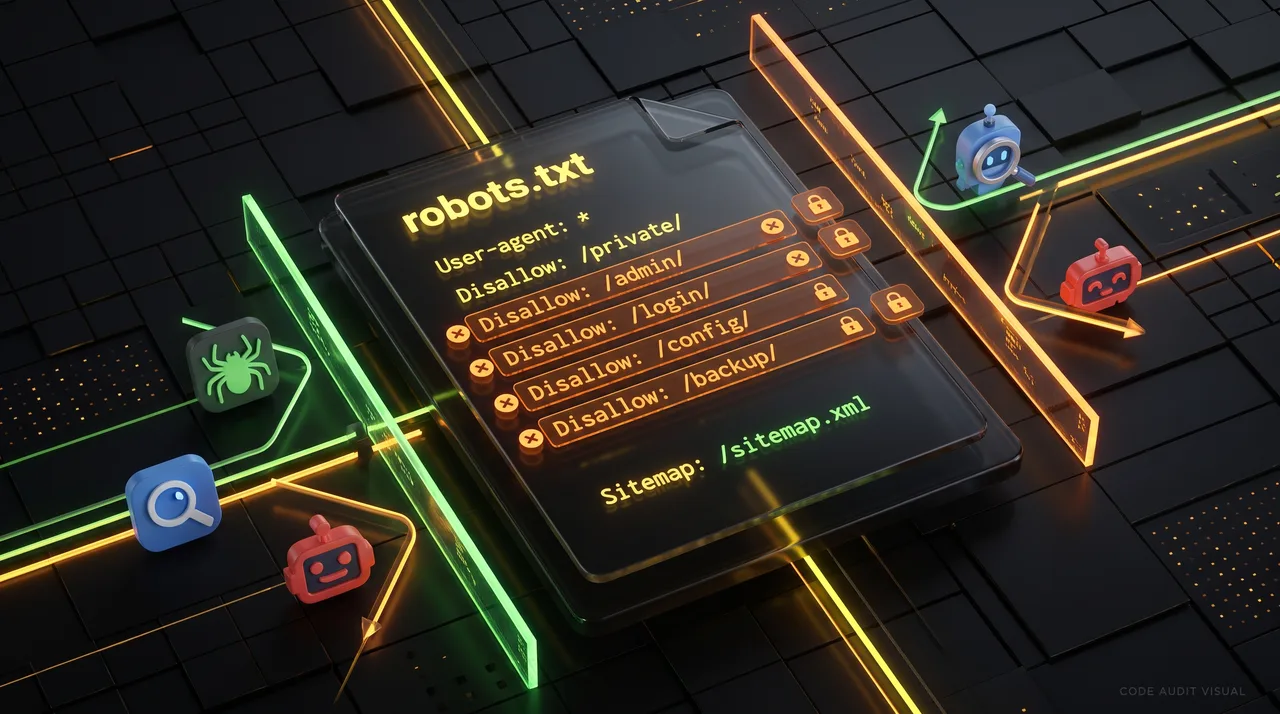
5 Robots.txt Mistakes That Are Silently Blocking ChatGPT and Claude
Large language models are turning into a discovery layer for the web, which makes the way AI crawlers reach your content more important than ever. When someone asks ChatGPT or Claude about a topic your site covers, you want your pages in the answer, with attribution, citations, and referral traffic coming back to you.
There's a quiet problem hiding in plain sight on nearly every website: the robots.txt file. One misconfigured line can leave GPTBot blocked or deny ClaudeBot access completely, and most site owners never notice. Here are the five most common robots.txt mistakes that trip up AI crawlers, along with how to fix each one.
Why robots.txt Matters for AI Crawlers
The robots.txt file sits at the root of your domain (for example, https://example.com/robots.txt) and tells automated agents which parts of your site they can and can't access. Search engines like Googlebot have respected this standard for decades, and the major AI companies now follow it too.
OpenAI runs several agents. The main ones are GPTBot (which gathers training and retrieval data) and OAI-SearchBot (used for ChatGPT's search features). Anthropic runs ClaudeBot and related user agents. Each of them reads your robots.txt before crawling.
Here's the catch. These bots are relatively new, and plenty of robots.txt files were written years ago, or copied from templates, with rules that accidentally sweep AI crawlers into the "blocked" pile. Let's go through the mistakes.
Mistake 1: A Blanket Disallow: / That Catches Everyone
The most damaging error is also the easiest to miss. A rule like this blocks every compliant crawler from your entire site:
```
User-agent: *
Disallow: /
```
This often lingers from a staging environment, a development launch, or a quick attempt to "pause" indexing. Because the wildcard * applies to any user agent without its own specific block, both GPTBot and ClaudeBot obey it.
How to fix it
If you want your live site crawlable, remove or narrow that rule. A healthy baseline looks like this:
```
User-agent: *
Disallow: /admin/
Disallow: /cart/
Allow: /
```
Only disallow the specific directories you genuinely need to keep private. If you deliberately want AI crawlers in but general bots restricted, add explicit sections (covered in Mistake 4).
Mistake 2: Explicitly Blocking GPTBot or ClaudeBot Without Realizing the Impact
In recent years, plenty of "how to block AI crawlers" tutorials made the rounds, and site owners pasted the snippets in without weighing the trade-off. A common one looks like this:
```
User-agent: GPTBot
Disallow: /
User-agent: ClaudeBot
Disallow: /
```
This is a legitimate choice if you truly don't want your content used by AI systems. It becomes a mistake when it contradicts your actual goals. Say you want your brand cited in AI answers, or you want referral traffic from ChatGPT's search results.
How to fix it
Decide on purpose. If you want visibility in AI answers, remove those blocks so the agents can read your content:
```
User-agent: GPTBot
Allow: /
User-agent: ClaudeBot
Allow: /
```
Keep in mind that OpenAI separates training (GPTBot) from search (OAI-SearchBot). You can allow one and block the other. For example, allow search visibility while opting out of training:
```
User-agent: GPTBot
Disallow: /
User-agent: OAI-SearchBot
Allow: /
```
The point is to make a deliberate decision rather than inherit one from a copied template.
Mistake 3: Case Sensitivity and Typos in User-Agent Names
Robots.txt directives are more literal than people expect. User-agent matching is generally case-insensitive for the agent token itself, but the path values are case-sensitive, and typos in agent names fail silently.
Consider these mistakes:
- Writing User-agent: GPT-Bot instead of GPTBot (the hyphen breaks the match).
- Writing User-agent: Claude when the crawler identifies as ClaudeBot.
- Adding a trailing space or invisible character after the agent name.
When the name doesn't match exactly, your intended rule simply doesn't apply. If you meant to allow ClaudeBot but the token is wrong, the bot falls back to the User-agent: * block, which might be a Disallow: /.
How to fix it
Use the exact, documented agent tokens:
- GPTBot
- OAI-SearchBot
- ChatGPT-User
- ClaudeBot
- anthropic-ai (legacy in some setups)
Double-check spelling and remove stray whitespace. When in doubt, check each provider's official documentation, since these names occasionally change or expand.
Mistake 4: Conflicting or Overlapping Rule Blocks
Robots.txt has precedence rules that trip up even experienced developers. The two most misunderstood behaviors are these:
- Most specific match wins. For a given crawler, the most specific User-agent group applies. If both a group and a GPTBot group exist, GPTBot follows only* its own group and ignores the wildcard.
- Order and specificity of paths. Within a group, the longest matching path rule usually takes precedence, and Allow can override Disallow for more specific paths.
This leads to subtle bugs. Imagine you add a friendly rule for AI crawlers but forget that a broad block exists:
```
User-agent: *
Disallow: /blog/
User-agent: GPTBot
Disallow:
```
Here GPTBot is allowed everywhere because it has its own group with an empty Disallow. But people often assume the * block also constrains GPTBot. It doesn't. The opposite mistake is just as common: writing a GPTBot group that accidentally re-blocks content you wanted open.
How to fix it
Give AI crawlers their own explicit, complete group rather than relying on inheritance. Restate the paths you want blocked inside each group so nothing is left to assumption:
```
User-agent: *
Disallow: /admin/
Disallow: /blog/drafts/
User-agent: GPTBot
Disallow: /admin/
Allow: /blog/
User-agent: ClaudeBot
Disallow: /admin/
Allow: /blog/
```
Explicit beats implicit when different crawlers should behave differently.
Mistake 5: Server-Level Blocks That Bypass robots.txt Entirely
Sometimes the robots.txt file is perfect and AI crawlers still can't reach your content. That's because robots.txt is only an instruction. It can't grant access that your server or CDN is actively refusing.
Common culprits include these:
- Firewall or WAF rules that block requests by user agent, treating GPTBot and ClaudeBot as suspicious traffic.
- CDN bot-management features (Cloudflare, Akamai, Fastly) with an "AI scrapers" toggle enabled that returns 403 responses.
- IP-based rate limiting that trips when a crawler makes several requests.
- Meta robots tags or X-Robots-Tag HTTP headers with noindex that undo the crawl you allowed at the robots.txt level.
In these cases, your robots.txt says "come in," but the front door is locked at a different layer. This is one of the sneakiest robots.txt problems AI crawlers face, because the file itself looks fine.
How to fix it
Audit your full request path:
- Check your CDN dashboard for any AI or bot-blocking rules and adjust them to allow the agents you want.
- Review WAF logs for 403 or 429 responses tied to GPTBot or ClaudeBot user agents.
- Inspect your X-Robots-Tag headers and on-page tags for stray noindex directives.
- Confirm your server isn't returning a soft block (like a CAPTCHA page) to non-browser user agents.
A Quick robots.txt Checker Workflow
You don't need expensive tooling to verify your setup. Run this simple robots.txt checker routine whenever you deploy changes:
1. Fetch the file directly
Visit https://yourdomain.com/robots.txt in a browser and read it top to bottom. Confirm there's no lingering Disallow: / and that AI agent groups say what you intend.
2. Simulate the crawler
Use a command-line request that mimics the AI crawler's user agent to see what your server actually returns:
```
curl -A "GPTBot" -I https://yourdomain.com/your-page/
curl -A "ClaudeBot" -I https://yourdomain.com/your-page/
```
A 200 OK means the door is open. A 403, 429, or redirect to a challenge page signals a server-level block from Mistake 5.
3. Validate the syntax
Run your file through a robots.txt validator or a testing tool to catch formatting errors, misplaced directives, and unmatched user-agent tokens.
4. Re-check after every infrastructure change
CDN updates, security plugin installs, and platform migrations can silently reintroduce blocks. Make the checker part of your deployment checklist.
Putting It All Together
AI-driven discovery is fast becoming a meaningful traffic and brand-awareness channel. If your goal is to appear in ChatGPT and Claude answers, the last thing you want is an outdated line of text quietly shutting the door.
To recap the five mistakes and their fixes:
- Blanket Disallow: / — narrow it to only the directories you truly want private.
- Unintended explicit blocks — decide deliberately whether GPTBot and ClaudeBot should have access.
- Typos and case issues — use exact, documented user-agent tokens.
- Conflicting rule blocks — give AI crawlers complete, explicit groups instead of relying on inheritance.
- Server and CDN blocks — audit firewalls, WAFs, and headers that override robots.txt.
Spend ten minutes with a robots.txt checker today. Confirm GPTBot isn't blocked, verify ClaudeBot access, and make sure your carefully written content is actually reachable. A tiny file at the root of your domain has an outsized say in whether the next generation of AI assistants can find, cite, and recommend you.
Final Thought
Robots.txt was built to give site owners control, but control only works when it reflects your real intentions. Review yours with fresh eyes, treat AI crawlers as first-class citizens in your configuration, and revisit the file whenever your infrastructure changes. The difference between visibility and invisibility in AI search may come down to a single, well-placed line.