
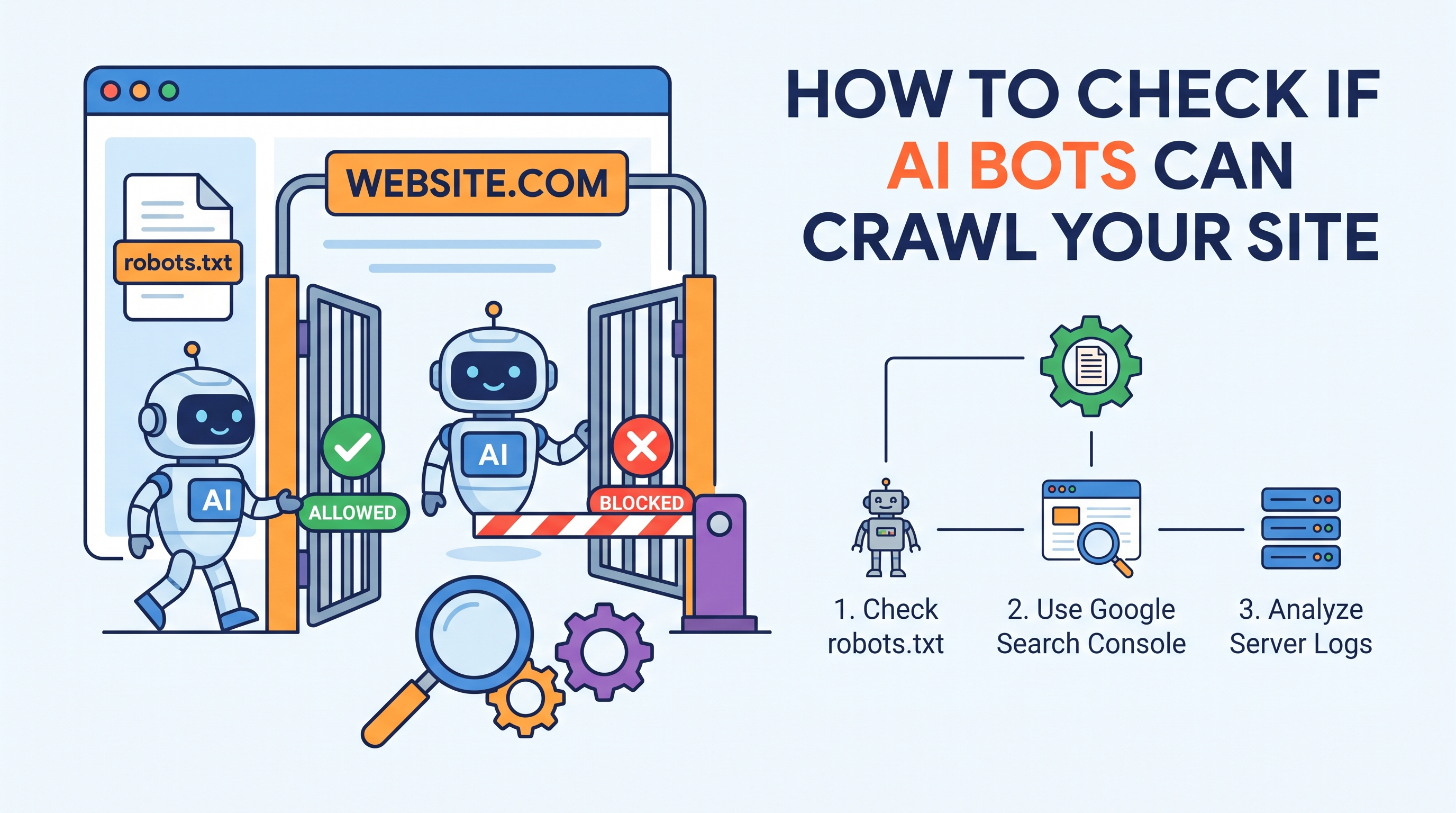
How to Check If AI Bots Can Actually Crawl Your Site
Search is shifting. More people now ask ChatGPT, Claude, and Perplexity the questions they used to type into Google. When those tools answer, they usually pull from content crawled across the web. If your site is closed off to these AI crawlers, you may be invisible to a fast-growing part of your audience.
Here's the good news. Confirming whether AI bots can reach your content is straightforward once you know what to look for. This guide walks through a practical way to check AI crawler access for the major bots, step by step, and what to do if they're being blocked.
Why AI Crawler Access Matters
Traditional SEO focused on Googlebot and Bingbot. Now a new class of automated agents visits your site to gather content for large language models and AI answer engines.
The three that matter most right now are:
- GPTBot — OpenAI's crawler, used to gather training data and, in some cases, to fetch live pages for ChatGPT.
- ClaudeBot — Anthropic's crawler for Claude.
- PerplexityBot — Perplexity's crawler, which powers its AI-driven answer engine and cites sources.
If you want your brand, products, or expertise to appear in AI-generated answers, these bots need to reach and read your pages. Block them, whether on purpose or by accident, and your content never enters the pipeline.
So the question many site owners are asking is simple: can AI bots crawl my site? Let's find out.
Step 1: Understand How AI Bots Identify Themselves
Every well-behaved crawler announces itself through a user-agent string and often through a set of published IP ranges. Knowing these identifiers is the foundation of any AI crawler access check.
Here are the current user agents to watch for:
- GPTBot: Mozilla/5.0 AppleWebKit/537.36 (KHTML, like Gecko); compatible; GPTBot/1.1; +https://openai.com/gptbot
- ClaudeBot: Mozilla/5.0 (compatible; ClaudeBot/1.0; +http://www.anthropic.com/claude-bot)
- PerplexityBot: Mozilla/5.0 (compatible; PerplexityBot/1.0; +https://perplexity.ai/perplexitybot)
These strings can change over time, so check them against each provider's official documentation. But the token names—GPTBot, ClaudeBot, PerplexityBot—are what you'll reference in your rules and logs.
Step 2: Inspect Your robots.txt File
Your robots.txt file is the first gate every crawler checks. It lives at the root of your domain:
```
https://yourdomain.com/robots.txt
```
Open it in your browser and read it carefully. You're looking for any directives that block the AI user agents. A blocking rule looks like this:
```
User-agent: GPTBot
Disallow: /
```
That single line tells GPTBot it may not crawl anything. The same pattern can show up for ClaudeBot and PerplexityBot.
Watch for a broad catch-all block too:
```
User-agent: *
Disallow: /
```
This blocks every crawler that respects robots.txt, including AI bots.
What an "allow" configuration looks like
If you want these bots in, you either need no disallow rule for them, or an explicit allow:
```
User-agent: GPTBot
Allow: /
User-agent: ClaudeBot
Allow: /
User-agent: PerplexityBot
Allow: /
```
Keep in mind that AI bots honor robots.txt voluntarily. A rule here is a request, not a hard technical barrier. To enforce access decisions strictly, combine robots.txt with server-level controls (covered later).
Step 3: Run a Live GPTBot Access Check
Reading your rules is one thing. Testing them is another. The most reliable way to run a GPTBot access check is to request a page while pretending to be the bot.
You can do this from a terminal using curl and a spoofed user agent:
```bash
curl -A "Mozilla/5.0 AppleWebKit/537.36 (KHTML, like Gecko); compatible; GPTBot/1.1; +https://openai.com/gptbot" -I https://yourdomain.com
```
The -I flag returns only the HTTP headers. Check the status code on the first line:
- 200 OK — The page is accessible. Good sign.
- 403 Forbidden — Your server is actively blocking the bot.
- 401 Unauthorized — Authentication is required.
- 301 / 302 — A redirect; follow it to see where it leads.
- 503 Service Unavailable — Often triggered by rate-limiting or bot-mitigation tools.
Repeat the test for the other agents:
```bash
curl -A "Mozilla/5.0 (compatible; ClaudeBot/1.0; +http://www.anthropic.com/claude-bot)" -I https://yourdomain.com
curl -A "Mozilla/5.0 (compatible; PerplexityBot/1.0; +https://perplexity.ai/perplexitybot)" -I https://yourdomain.com
```
If you get a 200 for each, the front door is open. If not, note which bot is blocked and at what stage.
Compare against a normal browser request
Run the same request without a bot user agent:
```bash
curl -I https://yourdomain.com
```
If a browser gets a 200 but GPTBot gets a 403, you have a bot-specific block somewhere in your stack.
Step 4: Confirm the Page Actually Renders Content
A 200 status is necessary but not enough. AI crawlers generally read the raw HTML your server returns. If your site leans heavily on client-side JavaScript to build the page, a crawler may get an almost-empty shell.
Fetch the full body and inspect it:
```bash
curl -A "GPTBot" https://yourdomain.com > page.html
```
Open page.html and check whether your headings, paragraphs, and key text appear in the source. If all you see is a loading spinner and a bundle of
Signs your content may not render for crawlers:
- The main body text appears only after JavaScript executes.
- Critical information loads via API calls after the page loads.
- The initial HTML is mostly empty container s.
If that sounds like your site, consider server-side rendering (SSR), static generation, or pre-rendering for crawlers so the content is present in the initial response.
Step 5: Check Your Server Logs for Real Bot Visits
Spoofing a user agent tells you what would happen. Server logs tell you what is happening. Search your access logs for the bot names:
```bash
grep -i "GPTBot" /var/log/nginx/access.log
grep -i "ClaudeBot" /var/log/nginx/access.log
grep -i "PerplexityBot" /var/log/nginx/access.log
```
For each match, check the returned status code. A stream of 200s means the bots are visiting and succeeding. A pattern of 403s or 429s means they're being turned away in the wild, even if your manual test passed.
Log analysis often turns up surprises, like a CDN or firewall quietly rejecting a bot your origin server would have allowed.
Step 6: Look at CDN, WAF, and Bot-Mitigation Settings
Many blocks don't come from your own configuration at all. They come from services sitting in front of your site:
- Cloudflare, Fastly, Akamai and similar CDNs.
- Web Application Firewalls (WAFs) with bot-protection rules.
- Managed bot-mitigation products designed to stop scrapers.
These tools often classify AI crawlers as unwanted bots and challenge or block them by default. If your curl tests return a challenge page, a CAPTCHA, or a 503, this is the likely culprit.
Check the relevant dashboard:
- Look for "AI Scrapers" or "AI Bots" categories in your security settings. Some providers now offer a one-click toggle to allow or block them.
- Review custom firewall rules that match user agents or IP ranges.
- Confirm rate limits aren't so aggressive that legitimate crawlers get throttled.
If you want AI bots in, create an explicit allow rule for their verified user agents and, where available, their published IP ranges.
Step 7: Verify Bots by IP, Not Just User Agent
Because user agents are trivial to fake, malicious scrapers sometimes impersonate GPTBot or PerplexityBot. If you're building rules that allow these bots, verify them against the official IP ranges each provider publishes.
The safe pattern is:
- A request claims to be GPTBot via its user agent.
- You confirm the request's IP falls within OpenAI's published crawler ranges (or passes a reverse-DNS check where supported).
- Only then do you grant the elevated access.
This keeps you from accidentally opening your site to bad actors while trying to welcome legitimate AI crawlers.
What to Do If AI Bots Can't Crawl Your Site
If your checks reveal blocks, here's how to work through them in order of likelihood.
Fix your robots.txt
Remove any Disallow: / rules targeting the AI user agents, or replace them with explicit Allow directives. Then re-fetch robots.txt in a browser to confirm the change is live and not cached.
Adjust firewall and CDN rules
Whitelist the verified user agents and IP ranges in your WAF or CDN. Move AI-bot allow rules above any broad blocking rules so they take precedence.
Address rendering problems
If content only appears after JavaScript runs, implement server-side rendering or static pre-rendering so the raw HTML contains your text. This helps both AI crawlers and traditional search engines.
Resolve redirects and HTTPS issues
Make sure redirects resolve cleanly to a final 200 page and that your SSL certificate is valid. Broken certificates and redirect loops can quietly derail crawlers.
Re-test after every change
After each fix, repeat the curl test from Step 3 and monitor your server logs from Step 5. Confirm the status codes flip from blocking responses to 200s.
Deciding Whether to Allow AI Bots at All
Access is a choice, not an obligation. Some publishers deliberately block AI crawlers to keep content out of training data. Others welcome them to gain visibility in AI answers and citations.
Weigh the trade-offs:
- Allow them if discoverability in AI tools and answer engines matters to your growth.
- Block them selectively if you want to protect premium or proprietary content while exposing public pages.
- Block them entirely if your priority is keeping your material out of AI models.
Whatever you decide, the point is that the outcome is intentional, not the accidental result of an overzealous firewall or a stale robots.txt rule.
A Quick Recap Checklist
Use this list whenever you want to verify AI crawler access:
- Confirm the current user agents for GPTBot, ClaudeBot, and PerplexityBot.
- Read your robots.txt for disallow rules.
- Run a live GPTBot access check with curl and a spoofed user agent.
- Fetch the full HTML and confirm real content renders.
- Grep your server logs for actual bot visits and status codes.
- Review CDN, WAF, and bot-mitigation settings.
- Verify legitimate bots by IP, not user agent alone.
- Fix any blocks, then re-test.
Final Thoughts
As AI-driven discovery grows, being readable to GPTBot, ClaudeBot, and PerplexityBot is becoming as important as ranking in traditional search. The process to confirm access is refreshingly concrete: check your rules, test like a bot, read your logs, and inspect what sits in front of your server.
Spend twenty minutes running through the steps above and you'll know exactly whether AI bots can crawl your site, plus a clear path to fix things if they can't. As AI tools increasingly shape what people see, that visibility is well worth confirming.