
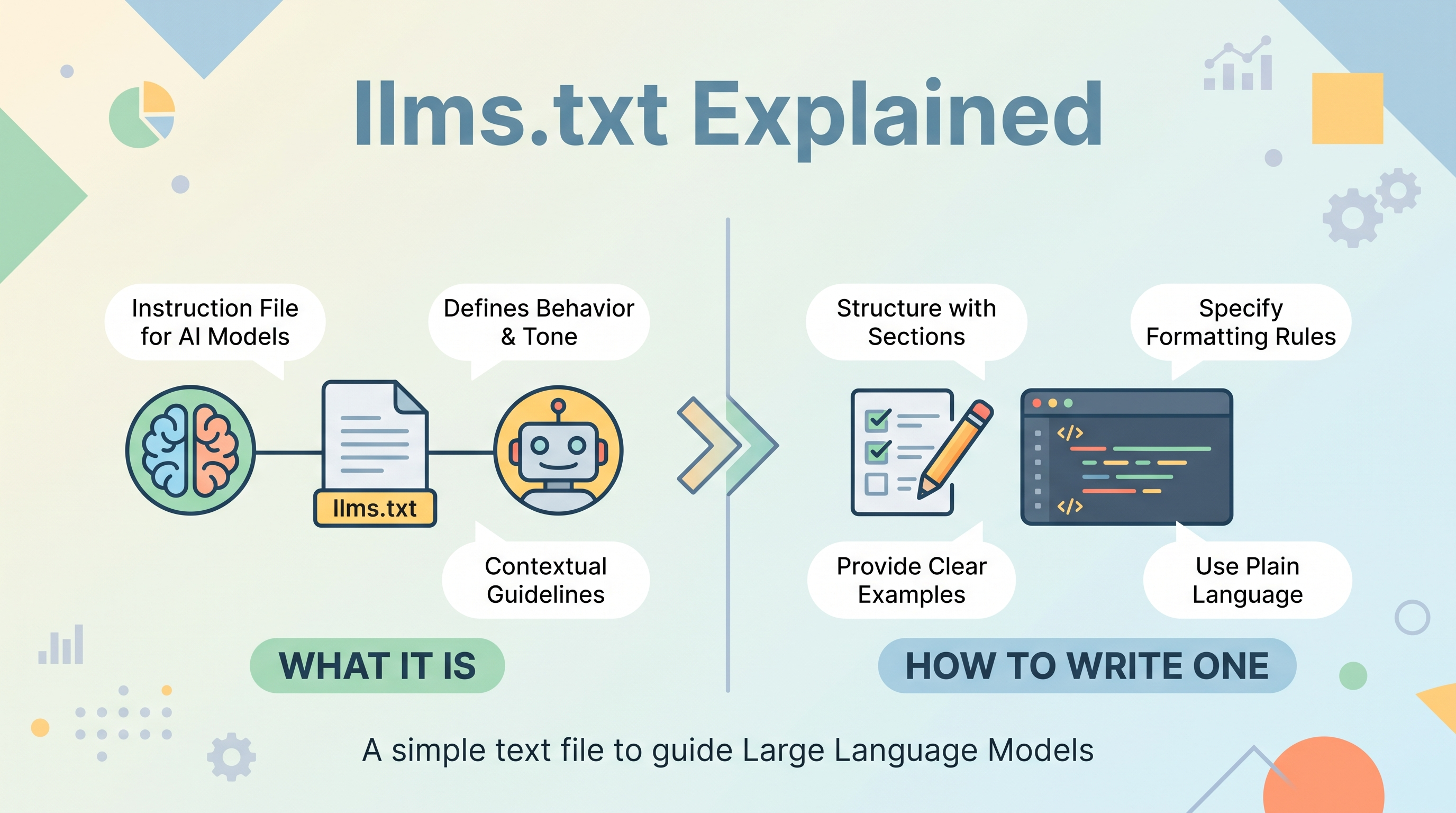
What Is llms.txt?
As large language models increasingly read, summarize, and cite web content, site owners have a new question to answer: how do you help AI systems understand your site and surface your best material?
Enter the llms.txt file. It's a simple, plain-text (Markdown) file placed at the root of your domain that tells AI crawlers and language models what your site is about and where to find your most valuable content.
Think of it as a curated map for machines. Where robots.txt tells crawlers what they can't access, and a sitemap lists every URL, llms.txt is different: it's a hand-picked, human-readable guide highlighting the content you most want AI systems to reference.
The core idea
Modern LLMs face two challenges when consuming websites:
- Context limits. They can't ingest an entire large website at once.
- Noise. Navigation menus, ads, scripts, and boilerplate get in the way of the actual content.
An llms.txt file solves both by pointing to clean, concise, information-rich resources and describing what each one contains. Instead of guessing, an AI model gets a clear signal about your site's purpose and priorities.
Why llms.txt Matters
The proposal for llms.txt emerged in 2024 as AI-driven search and answer engines became mainstream. While it's not yet an official standard enforced by every crawler, adoption is growing quickly among documentation sites, SaaS products, and content publishers.
Here's why it's worth your attention:
1. Better representation in AI answers
When tools like ChatGPT, Claude, or Perplexity reference your content, you want them working from accurate, up-to-date, well-structured sources. An llms.txt file increases the chance they find your canonical explanation rather than a stale third-party summary.
2. Control over the narrative
You decide which pages best describe your product, service, or expertise. By curating the list, you shape how AI systems interpret your brand.
3. Efficiency for machines
Clean Markdown content is far easier for models to parse than a JavaScript-heavy page. Providing direct links to lightweight versions reduces friction and errors.
4. Future-proofing
As AI becomes a primary discovery layer, having machine-friendly signals in place now positions your site well for whatever standards solidify next.
How llms.txt Differs From robots.txt and Sitemaps
It's easy to confuse these files. They serve related but distinct purposes:
- robots.txt — Controls access. Tells crawlers which paths they may or may not visit.
- sitemap.xml — Provides completeness. Lists all indexable URLs for search engines.
- llms.txt — Provides curation. Highlights your best, most relevant content for AI consumption, with descriptions and context.
In short: robots.txt is a gate, a sitemap is a directory, and llms.txt is a recommendation letter.
The Structure of an llms.txt File
The format is intentionally simple. It uses Markdown so that it's readable by both humans and machines. A well-formed file follows this loose structure:
- An H1 title with your site or project name (required).
- A blockquote summary giving a short description of what the site is (recommended).
- Optional details — free-form paragraphs or bullet points with important context.
- H2 sections with link lists grouping related resources.
- An optional section for links that can be skipped if context is limited.
Each link entry typically looks like this:
```
- Link title: Optional description of what this covers.
```
The description after the colon is valuable. It gives the model a summary before it even fetches the page.
How to Create an llms.txt File
Let's walk through the process step by step. Learning how to create an llms.txt file takes only a few minutes once you know the format.
Step 1: Identify your most important content
Before writing anything, make a shortlist. Ask yourself:
- What pages best explain what my site or product does?
- Where is my core documentation, guides, or reference material?
- Which resources would I want cited if someone asked an AI about my topic?
Keep it focused. This is a curated list, not a dump of every URL.
Step 2: Write a clear summary
Craft one or two sentences that capture your site's purpose. Be specific and factual. This blockquote sets the tone for everything the model reads afterward.
Step 3: Group your links into sections
Organize resources under meaningful H2 headings such as Documentation, Guides, Products, or About. Grouping helps models understand the relationship between resources.
Step 4: Add descriptions
For each link, add a short note explaining what it contains. This small effort dramatically improves how accurately your content is interpreted.
Step 5: Save and upload
Save the file as llms.txt and place it at your domain root so it's accessible at https://yourdomain.com/llms.txt. That's the conventional location crawlers will check.
Optional: Provide clean Markdown versions
A common companion practice is offering a Markdown version of each key page (for example, page.html also available as page.md). Some sites even publish an expanded llms-full.txt containing the complete text of important pages in one file.
A Simple llms.txt Template You Can Copy
Here's a ready-to-use llms.txt template. Replace the placeholders with your own details:
```markdown
Your Site or Product Name
A concise, one-to-two sentence description of what your site is and who it serves.
Optional paragraph with extra context. Explain your mission, key offerings,
or anything an AI should know to represent you accurately.
Documentation
- Getting Started: How to set up and use the product.
- API Reference: Complete endpoint documentation.
- FAQ: Answers to common questions.
Guides
- Best Practices: Recommended workflows.
- Tutorials: Step-by-step walkthroughs.
About
Optional
- Changelog: Version history and updates.
- Blog Archive: Older articles for deeper context.
```
The ## Optional section is a signal to crawlers: these links add value but can be skipped when context space is tight.
Best Practices for Writing an Effective llms.txt
A file that merely exists is fine; a file that's thoughtfully written is far more useful. Keep these principles in mind:
Keep it concise and current
Resist the urge to list everything. A tight, well-chosen set of links serves models better than an exhaustive one. Review the file whenever your site structure changes.
Write for machines and humans alike
Since the file is plain Markdown, a curious visitor might read it too. Use clear language and avoid internal jargon that only your team understands.
Prioritize clean, parseable pages
Link to content that renders well without heavy JavaScript. If your key pages are script-dependent, consider providing static Markdown equivalents.
Use descriptive link text
Avoid vague labels like "click here." Descriptive titles plus a short summary give the model maximum context.
Order matters
List your most important resources first. If context runs out, the top entries are the ones that get read.
Validate your file
After publishing, open the URL in a browser to confirm it loads as plain text and that all links work. Broken links waste crawler effort and undermine trust.
Using an llms.txt Generator
If you'd rather not write the file by hand, several tools can help. An llms.txt generator typically crawls your site or reads your sitemap, then produces a draft file with titles and descriptions automatically pulled from your pages.
Generators are a great starting point, especially for large sites, but treat their output as a first draft:
- Review the selections. Automated tools may include pages you'd rather leave out.
- Refine the descriptions. Machine-generated summaries are often generic; a human touch improves accuracy.
- Trim the list. Curation is the whole point, so cut anything that doesn't earn its place.
Whether you generate or write manually, the file should ultimately reflect deliberate human judgment about what best represents your site.
Common Questions About llms.txt
Is llms.txt an official standard?
Not in the formal, universally enforced sense. It's a community-driven proposal that has gained significant traction. Because it's low-effort and low-risk to implement, many sites adopt it proactively.
Will every AI crawler respect it?
Support varies. Adoption is voluntary, and different systems handle the file differently. Even so, providing clear signals can only help, and the practice is spreading.
Does llms.txt replace robots.txt?
No. They coexist. Keep using robots.txt for access control and sitemaps for search indexing. llms.txt is an additional, complementary layer aimed specifically at AI systems.
Can it hurt my SEO?
No. A properly formatted llms.txt file has no negative effect on traditional search rankings. It simply provides extra context for AI consumers.
Where exactly should it live?
At your domain root: https://yourdomain.com/llms.txt. This is the location crawlers are expected to check.
Getting Started Today
Adding an llms.txt file is one of the easiest wins in the emerging world of AI-aware web publishing. You don't need special infrastructure or a large budget, just a text editor, a clear idea of your best content, and a few minutes.
Here's a quick recap of the path forward:
- List your most valuable, representative pages.
- Summarize your site in a crisp blockquote.
- Group and describe your links under clear headings.
- Save the file as llms.txt and upload it to your domain root.
- Review it periodically to keep it accurate.
As AI increasingly mediates how people discover and understand content, the sites that make themselves easy to interpret will have an advantage. Publishing a thoughtful llms.txt file is a small, forward-looking step that helps ensure your best work is the version AI systems see, cite, and share.
Copy the template above, adapt it to your site, and get it live today. Your future AI-driven traffic will thank you.